Establish Your Digital Storefront: Optimize Your Google Business Profile
Generating Google Maps local leads starts with a robust and complete Google Business Profile (GBP). Think of your GBP as your digital storefront on the world's most used map. If it's incomplete or outdated, potential customers will scroll past you, even if you offer exactly what they need.
Your goal is to make your business impossible to ignore for local searchers. This means filling out every single field Google provides and keeping it current. A well-optimized GBP significantly boosts your visibility in the "local pack" – the top three business listings that appear prominently in map results.
Complete All Profile Sections Meticulously
Google prioritizes businesses with comprehensive profiles. This isn't just about basic information; it's about giving Google (and your customers) everything they need to know. Missing details are missed opportunities for Google Maps local leads.
- Accurate Name, Address, Phone Number (NAP): This is fundamental. Ensure consistency across all online directories.
- Business Categories: Choose the most specific primary category, then add several relevant secondary categories. A plumber might list "Plumber," "Emergency Plumber," and "Water Heater Repair Service."
- Services/Products: Detail every service or product you offer. Use keywords local customers would search for.
- Business Hours: Keep these updated, including special holiday hours.
- Description: Write a compelling, keyword-rich description of your business. Highlight what makes you unique and what problems you solve for local customers.
- Photos and Videos: High-quality images of your storefront, interior, team, and work increase engagement. Businesses with photos receive 42% more requests for driving directions and 35% more clicks to their websites. Aim for at least 10-15 diverse photos.
Harness the Power of Customer Reviews
Reviews are digital word-of-mouth and a critical ranking factor for Google Maps local leads. Encourage satisfied customers to leave reviews on your GBP. Respond to every review, positive or negative, in a professional and timely manner.
A simple "Thank you for your feedback!" on a positive review or a constructive, empathetic response to a negative one shows you value your customers. Aim for a consistent stream of new reviews, as recent reviews carry more weight than older ones.
Proactive Prospecting: Finding Your Next Clients on Google Maps
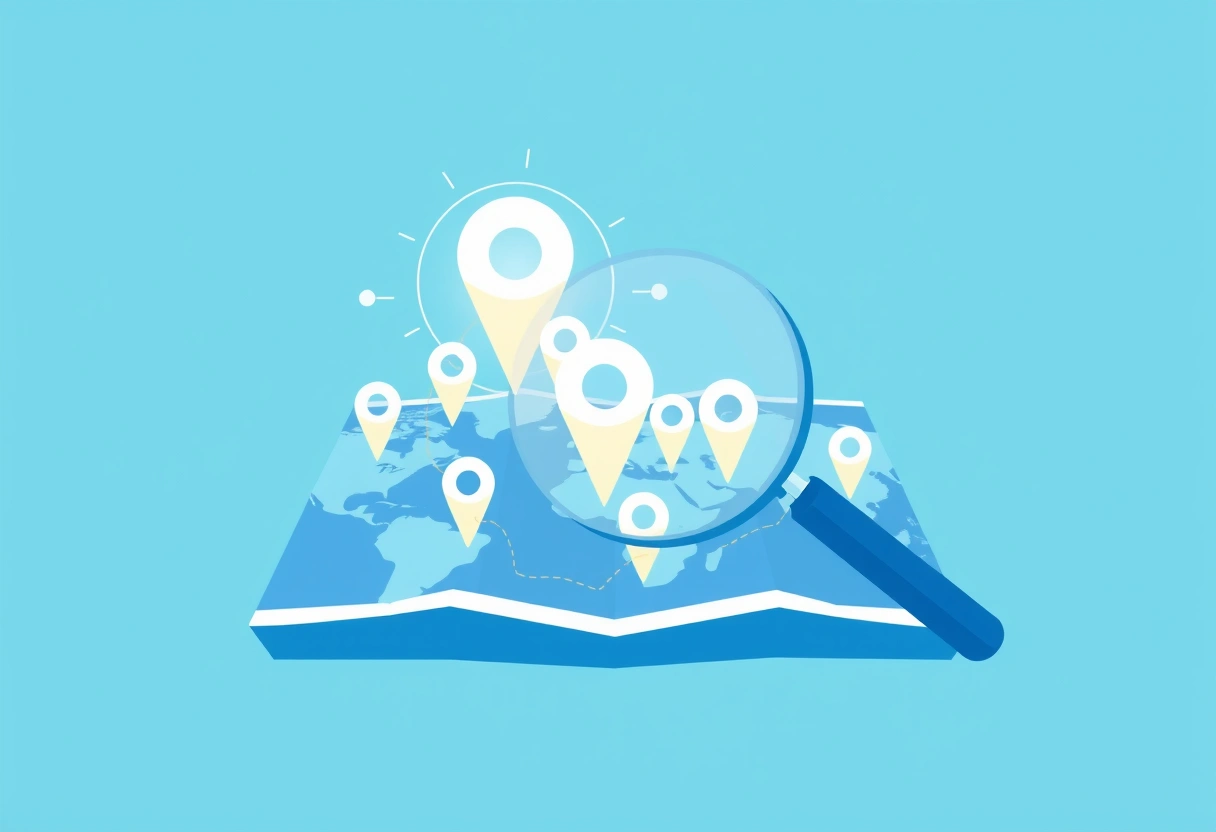
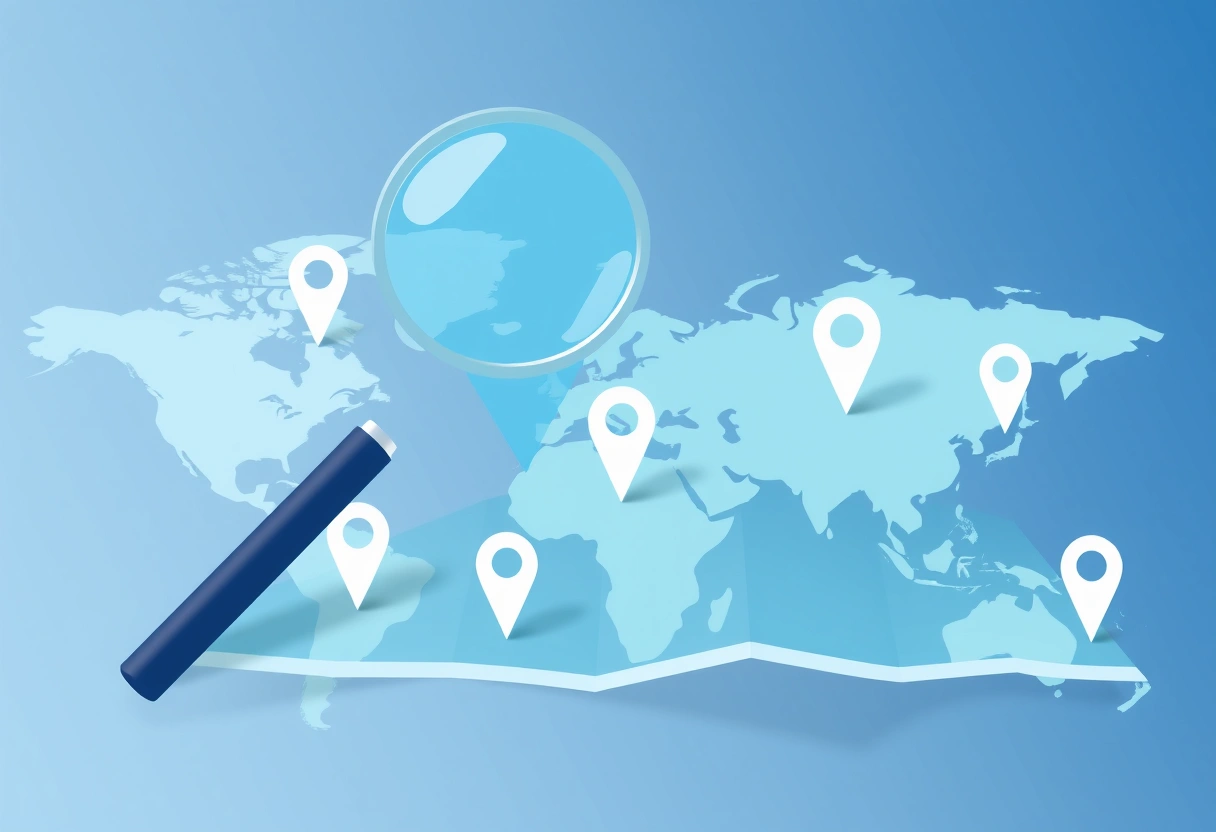
Beyond waiting for customers to find you, Google Maps is a powerful tool for proactively identifying and reaching out to potential clients or partners. This is where you actively generate Google Maps local leads by searching for businesses that fit your ideal customer profile within a specific geographic area.
Targeted Search Queries and Filtering
Start by thinking like a prospector. What types of businesses could benefit from your services? Use specific search terms within Google Maps. For example, if you offer commercial cleaning services, you might search for "restaurants near me," "dental offices [city name]," or "retail stores [zip code]."
Once you get search results, pay attention to the details. Look for businesses that might be struggling with their online presence (few reviews, outdated photos), or those that are clearly expanding and might need new services. You can filter results by ratings, opening hours, or even specific amenities, depending on what signals a good lead for your business.
Extracting Verified Contact Information
After identifying potential leads, the next step is to gather their contact information. Google Maps typically provides a business's phone number, website, and sometimes an email address if listed directly on their profile. Manually visiting each website to find an email can be time-consuming.
For more efficient data extraction, tools exist to automate this process. For instance, you can use EasyMapLeads to pull verified business emails and phone numbers directly from Google Maps search results. This significantly speeds up the lead generation process, allowing you to build targeted contact lists quickly instead of sifting through profiles one by one.
Many businesses fixate on national SEO, but the real gold is often within a 5-mile radius. A well-optimized local presence on Google Maps, combined with proactive outreach, can bring in customers who are ready to buy *now*, not just browse.
Crafting Effective Outreach Strategies from Google Maps Data
Once you have a list of Google Maps local leads and their contact information, the next crucial step is to craft personalized and compelling outreach messages. Generic, mass emails rarely work. Your message needs to show you've done your homework and understand their specific needs.
Personalize Your Approach
The data you gathered from Google Maps and tools like EasyMapLeads is invaluable for personalization. Reference specific details from their GBP: a recent positive review you noticed, an outdated photo, a service they offer that aligns with your offering, or a common challenge in their industry.
An AI-powered icebreaker can be incredibly effective here. Some tools, including EasyMapLeads, can generate personalized icebreakers for cold outreach based on the business's online presence. This saves time and ensures your opening line immediately grabs attention.
Multi-Channel Outreach
Don't limit yourself to a single communication channel. A multi-channel approach often yields the best results. Here's a structured approach:
- Personalized Email: Start with an email. Keep it concise, focused on their business, and propose a clear, small next step (e.g., a 15-minute call).
- Phone Call (if appropriate): If you have a phone number, a follow-up call a few days after the email can be effective. Reference your email to provide context.
- LinkedIn Connection: If you find a key decision-maker on LinkedIn, send a personalized connection request referencing your initial outreach.
- Direct Mail (for high-value leads): A well-crafted physical letter or postcard can stand out in a digital world, especially for local businesses.
Remember to track your outreach efforts. Note who you contacted, when, through which channel, and their response. This helps you refine your strategy and improve your conversion rates for Google Maps local leads.
Analyzing Competitors and Market Opportunities via Google Maps
Google Maps isn't just for finding your own customers; it's also a powerful intelligence tool. You can gain significant insights into your local market, identify competitors, and spot underserved niches by systematically analyzing the map data.
Identify Your Local Competitors
Perform searches as if you were a customer looking for your services. Note who appears in the local pack and the broader map results. Analyze their GBP profiles: what categories do they use? How many reviews do they have, and what's their average rating? Are their photos professional and up-to-date?
This competitive analysis helps you understand what you're up against and where you can differentiate. If all your competitors have low-quality photos, investing in professional imagery for your GBP can make you stand out and attract more Google Maps local leads.
Spot Underserved Areas and Service Gaps
Zoom out on Google Maps and look for areas within your service radius that have fewer businesses in your category. Is there a particular neighborhood or commercial district where demand might be high but supply is low? This could indicate an opportunity for expansion or targeted marketing efforts.
Similarly, review competitor offerings and customer feedback. Are there common complaints about a service they don't provide, or a specific need they aren't meeting? Filling these gaps can position your business as the go-to solution.
Competitor Analysis Snapshot
Use a table like this to organize your findings:
| Competitor Name | Primary Category | Average Rating | Number of Reviews | Website Link | Key Observations |
|---|---|---|---|---|---|
| "Local Cafe A" | Coffee Shop | 4.5 stars | 320 | cafea.com | High volume of reviews, great photos, very active with Google Posts. Strong brand. |
| "Deli & Bites" | Sandwich Shop | 3.8 stars | 85 | delibites.net | Lower ratings, some complaints about slow service. Opportunity for faster delivery. |
| "The Daily Grind" | Coffee & Pastries | 4.2 stars | 150 | dailygrind.biz | No online ordering. Focuses heavily on baked goods. Missing some menu items. |
This structured analysis helps you pinpoint where your competitors excel and where they fall short, informing your own strategy to capture more Google Maps local leads.
Driving Foot Traffic and Online Engagement Through Local SEO
Beyond direct prospecting, a significant portion of generating Google Maps local leads comes from optimizing your online presence so customers find and choose you organically. This involves comprehensive local SEO tactics that extend beyond just your GBP.
Local Landing Pages and Schema Markup
Ensure your website has dedicated local landing pages for each service area or specific service you offer, if applicable. These pages should include your NAP, local keywords, and unique content relevant to that specific location or service. For example, a plumbing company might have "Plumber in Downtown [City]" and "Emergency Drain Cleaning [Suburb]" pages.
Implement Schema Markup (specifically LocalBusiness schema) on your website. This is code that helps search engines understand crucial information about your business, like your address, phone number, hours, and services. It directly enhances how your business appears in local search results and can improve your visibility for Google Maps local leads.
Build Local Citations and Backlinks
A "citation" is any online mention of your business's NAP. Consistency is key across all directories like Yelp, Yellow Pages, and industry-specific sites. Inconsistent information confuses search engines and can hurt your local rankings. Use tools to audit and correct your citations.
Local backlinks – links from other local businesses or community organizations to your website – are also valuable. Reach out to local partners, chambers of commerce, or community blogs. A link from a local news site or a popular local business blog tells Google that your business is a relevant and trusted part of the community.
Engage with Your Local Community
Local SEO isn't just technical; it's also about real-world engagement. Sponsor local events, participate in community initiatives, or collaborate with other local businesses. These activities not only build brand awareness but can also lead to mentions, links, and reviews that indirectly boost your local search presence and attract more Google Maps local leads.
Consider running local promotions or events that you can post about on your GBP. Google Posts are a great way to share updates, offers, and events directly on your profile, keeping it dynamic and engaging for potential customers searching on Google Maps.
Tracking and Refining Your Google Maps Lead Generation
Generating Google Maps local leads is an ongoing process that requires continuous monitoring and adjustment. You need to understand what's working, what isn't, and how to improve your strategies over time.
Monitor Your Google Business Profile Insights
Your GBP dashboard provides valuable insights into how customers are finding and interacting with your business. Pay close attention to metrics like:
- How customers search for your business: Are they finding you via direct searches (your business name) or discovery searches (category, product, or service)?
- Where customers view your business on Google: Are they seeing you in Search results or Map results?
- Customer actions: How many calls, website visits, or direction requests did you receive?
- Photo views: Are your photos getting engagement compared to competitors?
These insights help you understand the effectiveness of your GBP optimization and identify areas for improvement. If you're getting many discovery searches but few website clicks, your description or call-to-action might need tweaking.
Track Your Outreach Campaigns
For your proactive prospecting efforts, track every stage of your outreach. Use a simple spreadsheet or a CRM to log:
- Date of contact
- Business name
- Contact person (if known)
- Method of outreach (email, phone, LinkedIn)
- Response received (opened, replied, scheduled call, no response)
- Outcome (converted, lost, nurture)
Analyzing this data will reveal which outreach methods are most effective, what types of messages resonate, and which lead sources convert best. For example, you might find that personalized emails with an AI-generated icebreaker have a 15% higher reply rate than generic templates.
A/B Test and Iterate
Don't be afraid to experiment. A/B test different aspects of your GBP and your outreach campaigns. Try different primary categories, update your business description with new keywords, or test various offers in your Google Posts. For outreach, experiment with subject lines, body copy, and calls to action.
Small, incremental improvements can lead to significant gains in the long run. By consistently analyzing data and refining your approach, you'll maximize your ability to generate high-quality Google Maps local leads and grow your business sustainably.
Frequently Asked Questions
How important are Google reviews for local lead generation?
Google reviews are extremely important, acting as social proof and a critical ranking factor for local search. A strong volume of positive, recent reviews significantly boosts your visibility and trustworthiness, directly impacting your ability to generate Google Maps local leads.
Can I target specific neighborhoods for Google Maps local leads?
Yes, you can target specific neighborhoods by using precise search queries on Google Maps (e.g., "plumber [neighborhood name]") and optimizing your Google Business Profile with location-specific keywords and service areas.
How often should I update my Google Business Profile?
You should update your Google Business Profile regularly, ideally weekly or monthly, with new photos, Google Posts about offers or events, and any changes to hours or services. Keeping it active and fresh signals to Google that your business is relevant and current.
Is it effective to cold call businesses found on Google Maps?
Cold calling can be effective if done strategically and with personalization. Prioritize leads that show a clear need for your services and always try to gather some information about their business from their GBP before making the call.