Optimize Your Google Business Profile for Maximum Visibility
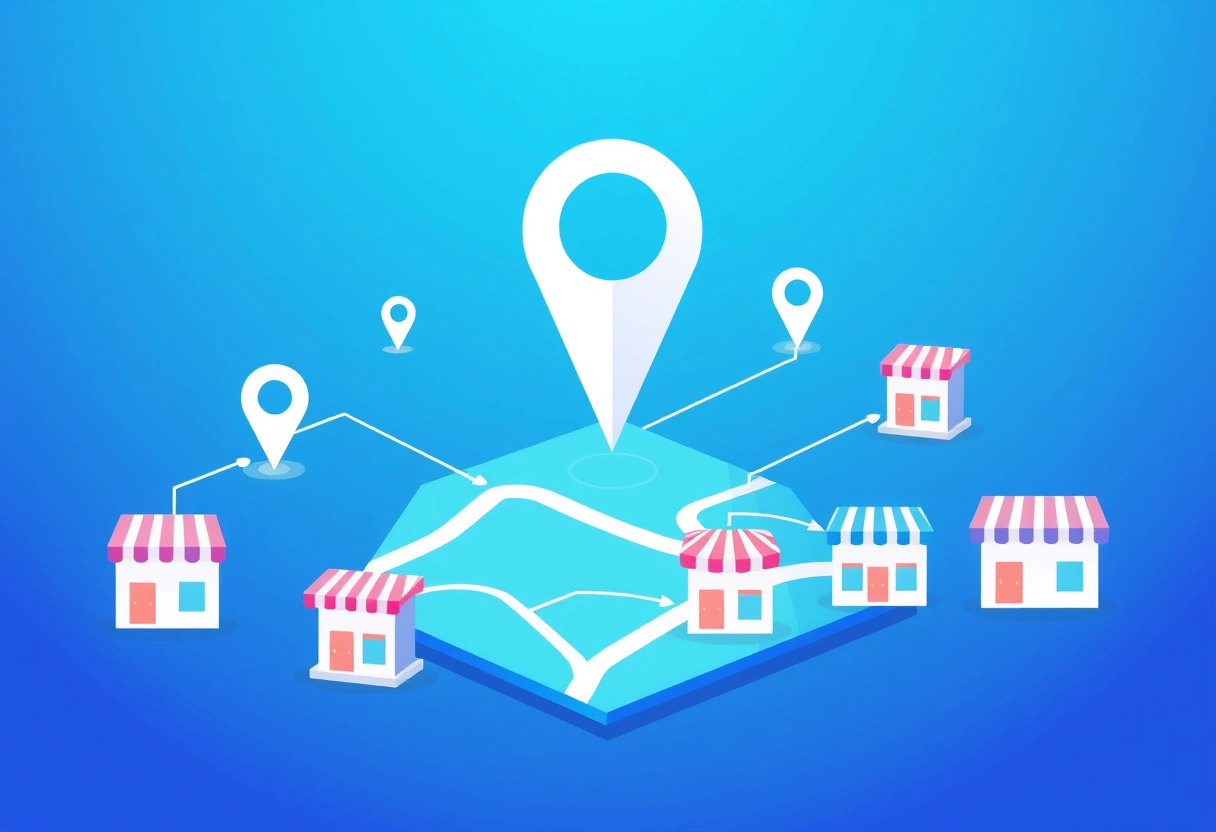
Your Google Business Profile (GBP) is the cornerstone for attracting new google maps small business customers. It's not just a listing; it's your digital storefront on the world's most popular mapping service. A complete and accurate profile is non-negotiable for anyone looking to increase their local customer base.
Complete All Fields Accurately
Start by ensuring every single field in your GBP is filled out. This means your exact business name, address, phone number (NAP), and website. Discrepancies here can confuse both Google and potential customers, harming your ranking and credibility. Double-check your business hours, including special holiday hours, and always keep them current.
Choose the most specific and relevant business categories. Google allows you to select a primary category and several secondary ones. For example, don't just pick "Restaurant"; specify "Italian Restaurant" and then "Pizza Restaurant" if applicable. This precision helps Google understand exactly what you offer and shows your listing to the right people.
Compelling Photos and Videos
Visuals matter immensely. Businesses with photos receive 42% more requests for directions and 35% more clicks to their websites than those without. Upload high-quality photos of your storefront, interior, products, and your team in action. Include your logo and a captivating cover photo. Aim for at least 10-15 diverse photos, updated quarterly, to keep your profile fresh and engaging.
Consider adding a short video tour (under 30 seconds) to give customers a better feel for your space or services. Authenticity here builds trust and helps people visualize visiting your business.
Craft a Keyword-Rich Business Description
Your business description is a prime spot to naturally integrate keywords related to your services and location. Don't just list services; describe what makes your business unique. For a plumber in Austin, you might write: "Reliable, licensed plumber in Austin, TX, specializing in emergency leak repair, water heater installation, and drain cleaning services. We serve all of Central Austin and surrounding communities with prompt, professional service." This helps Google understand your offerings and match you with relevant searches.
Master the Art of Google Reviews to Build Trust
Reviews are digital word-of-mouth, and they are incredibly influential for attracting new google maps small business customers. Positive reviews boost your ranking and customer confidence, while negative ones, if handled poorly, can deter potential clients. Google's algorithm also considers the quantity, quality, and recency of your reviews when determining local search rankings.
Strategies to Solicit More Reviews
You can't buy reviews, but you can certainly ask for them. Make it a part of your standard customer service process. Here are some effective tactics:
- Directly Ask in Person: After a positive service experience or purchase, politely ask customers if they'd mind leaving a review. "We'd really appreciate it if you could share your experience on Google Maps!"
- Follow-Up Emails/Texts: Send a brief, friendly follow-up message after a service is complete or a product is delivered, including a direct link to your Google review page. You can find this link in your GBP dashboard.
- QR Codes: Create a QR code that links directly to your review page. Print it on receipts, business cards, or display it prominently at your checkout counter. Many free online tools can generate these codes for you.
- Website Integration: Add a clear "Review Us on Google" button to your website's footer or contact page.
- Training Your Team: Ensure your staff understands the importance of reviews and knows how to politely encourage customers to leave them.
Remember, never offer incentives for reviews, as this violates Google's policies and can lead to penalties.
How to Respond to All Reviews
Responding to reviews, both good and bad, shows you are engaged and value customer feedback. Aim to respond to every review within 24-48 hours.
"Ignoring customer feedback, especially in public forums like Google Reviews, is like leaving your front door open for competitors. Every review, positive or negative, is an opportunity to reinforce your brand's commitment to service and build trust."
For Positive Reviews: Thank the customer specifically, mention something from their review, and invite them back. Example: "Thanks, Sarah! We're so glad you enjoyed our espresso and the cozy atmosphere. Hope to see you again soon for another great coffee!"
For Negative Reviews: Apologize sincerely, express empathy, offer to resolve the issue offline, and keep your response professional. Never get defensive. Example: "We're truly sorry to hear about your experience, Mark. That's definitely not the standard we aim for. Please contact us directly at [phone number] so we can discuss this further and make things right."
Beyond the Profile: Engaging Content and Local Buzz
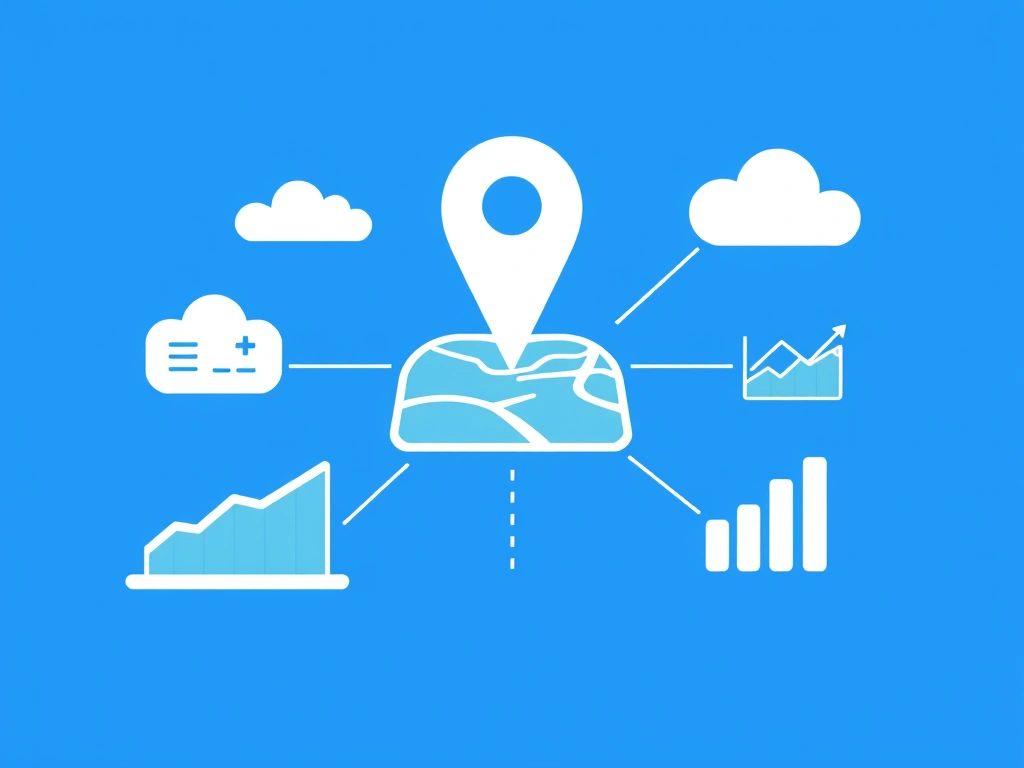
An optimized profile and strong reviews are foundational, but consistent engagement with your GBP helps you stand out and attract more google maps small business customers. Google rewards active businesses that provide fresh, relevant content.
Utilize Google Posts Regularly
Google Posts are mini-blog posts or updates that appear directly in your Google Business Profile. They're excellent for announcing news, promotions, events, or new products. Posts stay live for seven days (unless it's an event post with a specific date range), so consistent posting is key. Aim for at least one new post per week.
Here’s a breakdown of common Google Post types:
| Post Type | Purpose | Example Content | Impact |
|---|---|---|---|
| What's New | Share general updates, news | "New summer menu items just dropped! Try our mango salsa tacos." | Keeps profile fresh, informs customers of changes. |
| Offer | Promote sales or discounts | "Get 20% off all services this week with code 'SUMMER20'!" | Drives immediate conversions, creates urgency. |
| Event | Announce upcoming happenings | "Live music every Friday night starting at 7 PM. See you there!" | Attracts foot traffic, generates excitement. |
| Product | Highlight specific products | "Introducing our new line of handmade artisan soaps. Perfect gifts!" | Showcases inventory, encourages browsing. |
Answer Questions in the Q&A Section
Your GBP includes a "Questions & Answers" section where users can ask questions directly about your business. You, as the business owner, should proactively monitor and answer these questions. Better yet, preemptively post and answer common questions yourself. Think of it as a mini-FAQ that shows your expertise and responsiveness. For instance, if you run a hair salon, you could ask and answer: "Do you offer walk-in appointments?" or "What brands of hair products do you use?"
Consistent Photo and Video Uploads
Beyond initial setup, continue uploading new photos and short videos. Showcase seasonal changes, new projects, happy customers (with permission), or behind-the-scenes glimpses. Google often features recent photos more prominently, signaling an active and thriving business to potential customers.
Local SEO Tactics to Dominate Your Niche
Optimizing your Google Business Profile is a significant part of local SEO, but it's not the only piece. To truly outrank competitors and gain more google maps small business customers, you need a broader local SEO strategy.
NAP Consistency Across the Web
One of the most critical factors for local ranking is ensuring your Name, Address, and Phone number (NAP) are identical across all online directories, social media profiles, and your website. Inconsistent NAP information confuses search engines and can hurt your local ranking. Use tools like Moz Local or BrightLocal to audit your citations and correct any inconsistencies.
Local Keyword Integration on Your Website
Your website should reinforce your local relevance. Incorporate location-specific keywords into your website's content, meta descriptions, and title tags. Create dedicated service pages for each distinct service area if you serve multiple neighborhoods or towns (e.g., "Plumbing Services in Downtown Austin" vs. "Plumbing Services in North Austin").
Build a "Contact Us" page that clearly states your address, phone number, and embeds a Google Map of your location. This signals to Google that your website is directly associated with your physical business.
Build Local Backlinks
Backlinks from other reputable local websites can significantly boost your local SEO. Seek opportunities to get mentioned or linked by local news outlets, community blogs, chambers of commerce, and other non-competing local businesses. Sponsoring local events or participating in community initiatives can also generate valuable local links and mentions.
Understanding Proximity, Prominence, and Relevance
Google's local ranking factors are often distilled into these three pillars:
- Proximity: How close your business is to the searcher's location. While you can't change your physical address, optimizing other factors can make you visible even if a searcher isn't right next door.
- Prominence: How well-known your business is. This includes review quantity and quality, media mentions, and overall online authority.
- Relevance: How well your business matches the searcher's query. This is where accurate GBP categories, descriptions, and website content come into play.
By consistently working on these areas, you increase your chances of appearing for a wider range of local searches. For proactive outreach, tools like EasyMapLeads can help you pull verified business emails and phone numbers from Google Maps listings, allowing you to connect directly with potential B2B partners or customers for collaborations or service offerings that can boost your prominence.
Beyond Organic: Leveraging Google Maps Ads
While organic optimization is crucial, sometimes you need an extra push to stand out. Google Maps Ads allow you to pay to appear at the top of local search results, often with a prominent "Ad" label.
When to Consider Paid Google Maps Ads
Paid ads are particularly useful in highly competitive industries or when you need to quickly increase visibility for a new location or a special promotion. They can bypass some of the organic ranking challenges, placing your business directly in front of searchers actively looking for your services.
Google Maps Ads show up in a few ways: at the top of local search results, within the map itself, and sometimes in suggested places. They look similar to organic listings but are clearly marked as ads.
Targeting and Budgeting
When setting up a Google Maps Ad campaign (which is managed through Google Ads), you can precisely target your audience by geographic area, specific keywords, and even time of day. This allows you to focus your budget on the most promising leads. Start with a small, manageable daily budget (e.g., $10-$20) and monitor your results closely.
Track key metrics like calls, website clicks, and direction requests generated by your ads. Adjust your targeting and ad copy based on what performs best. Even a modest ad budget can significantly increase your visibility among local google maps small business customers.
Advanced Strategies and Analytics for Continuous Growth
Getting your business listed and optimized on Google Maps isn't a one-time task. It requires ongoing effort and analysis to continually attract more google maps small business customers.
Monitor Your Google Business Profile Insights
Your GBP dashboard provides valuable insights into how customers are finding and interacting with your listing. Pay close attention to these metrics:
- How customers search for your business: See if they found you via a "direct" search (your business name) or a "discovery" search (a category or service). This tells you how well your optimization efforts are working.
- Where customers view your business on Google: Understand if they found you on Search or Maps.
- Customer actions: Track calls, website visits, direction requests, and message interactions. These are direct indicators of customer engagement.
Analyzing these insights helps you identify what's working and where you might need to adjust your strategy, whether it's adding more specific keywords or focusing on different types of Google Posts.
Competitive Analysis on Google Maps
Regularly search for your primary services in your local area to see who ranks highest. Analyze their Google Business Profiles. What categories do they use? How many reviews do they have, and how do they respond? What kind of photos do they post? Understanding your competitors' strengths and weaknesses can reveal opportunities for your own strategy. To gain a competitive edge or identify new leads, you can use a tool like EasyMapLeads to extract contact information from businesses listed on Google Maps, even generating AI-powered personalized icebreakers for your cold outreach efforts.
Look for gaps in their services or unaddressed customer pain points in their reviews. This can inform your own offerings and marketing messages, helping you differentiate and capture a larger share of the market.
Frequently Asked Questions
How often should I update my Google Business Profile?
You should review your GBP at least monthly for accuracy, post new photos and Google Posts weekly, and check for new reviews and questions daily or every other day. Consistent activity signals relevance to Google and potential customers.
Can I remove negative Google reviews?
You generally cannot remove legitimate negative reviews, even if you disagree with them. However, you can report reviews that violate Google's content policies (e.g., spam, off-topic, hate speech). Focus on professionally responding to negative feedback and generating more positive reviews to outweigh them.
What's the most important factor for ranking high on Google Maps?
While many factors contribute, the most important are relevance (how well your business matches the search query), proximity (your business's distance from the searcher), and prominence (your overall online reputation, including reviews and links).
Do I need a physical storefront to appear on Google Maps?
Not necessarily. If you serve customers at their location (e.g., plumbers, electricians) or are an online-only business that serves a specific local area, you can set up a Service Area Business (SAB) profile without displaying your home address publicly. You just need to specify your service regions.